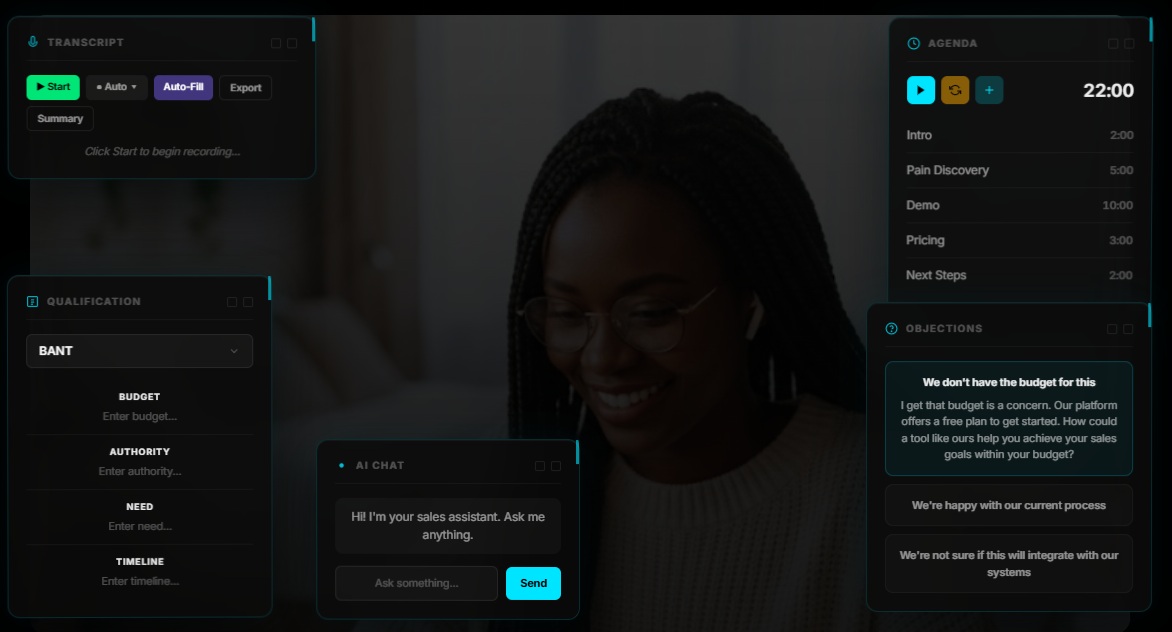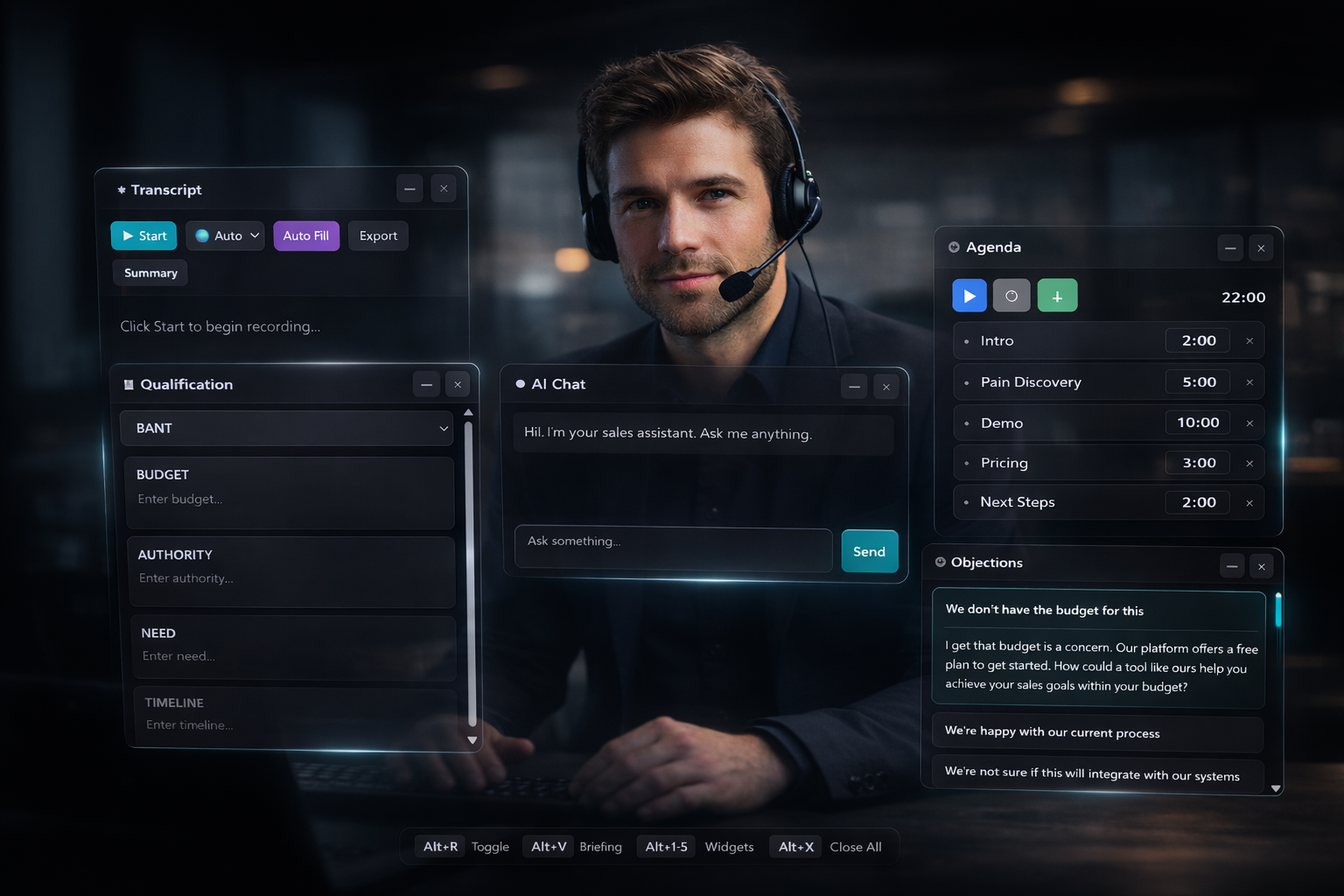
The Live HUD, in pieces.
Floating widgets appear when you need them. Hide when you don't. The HUD never blocks the call.
Floating widgets appear when you need them. Hide when you don't. The HUD never blocks the call.
The RepsPublic Chrome Extension connects to your cockpit and overlays it on any call, your phone provider, Google Meet, Zoom, or any video tool. You stay present. The HUD handles the rest.
Upload your playbook once in the RepsPublic webapp. The Chrome Extension syncs it and overlays everything as a HUD, on whatever you're calling with.
Transcript on the left. Qualification on the right. Objection cards when you need them. All on top of your existing call tool.
Floating widgets appear when you need context. They disappear when you don't. Your call stays clean.
Every widget floats independently over your call. Position them wherever you need. The overlay never blocks your conversation.
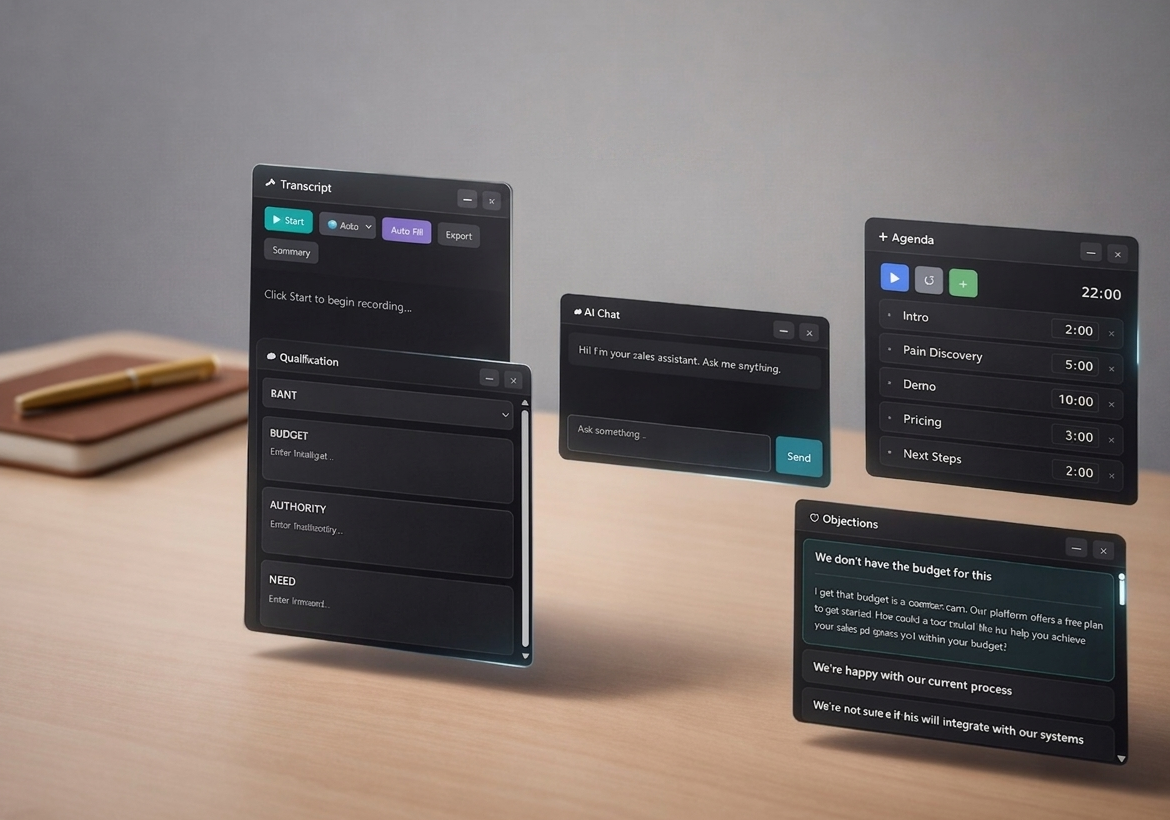
The extension connects to your RepsPublic workspace automatically. Your playbook context is ready in seconds.
The AI listens for key topics defined in your playbook, MEDDIC, BANT, or whatever you use, and auto-fills fields live during the call.
Stay in the conversation. The overlay handles everything else.
We never store audio recordings. The extension only saves the text transcript, and it belongs to you.
The Live HUD is the eyes of your call. The Cockpit is the brain that powers it. Get your Cockpit first.